
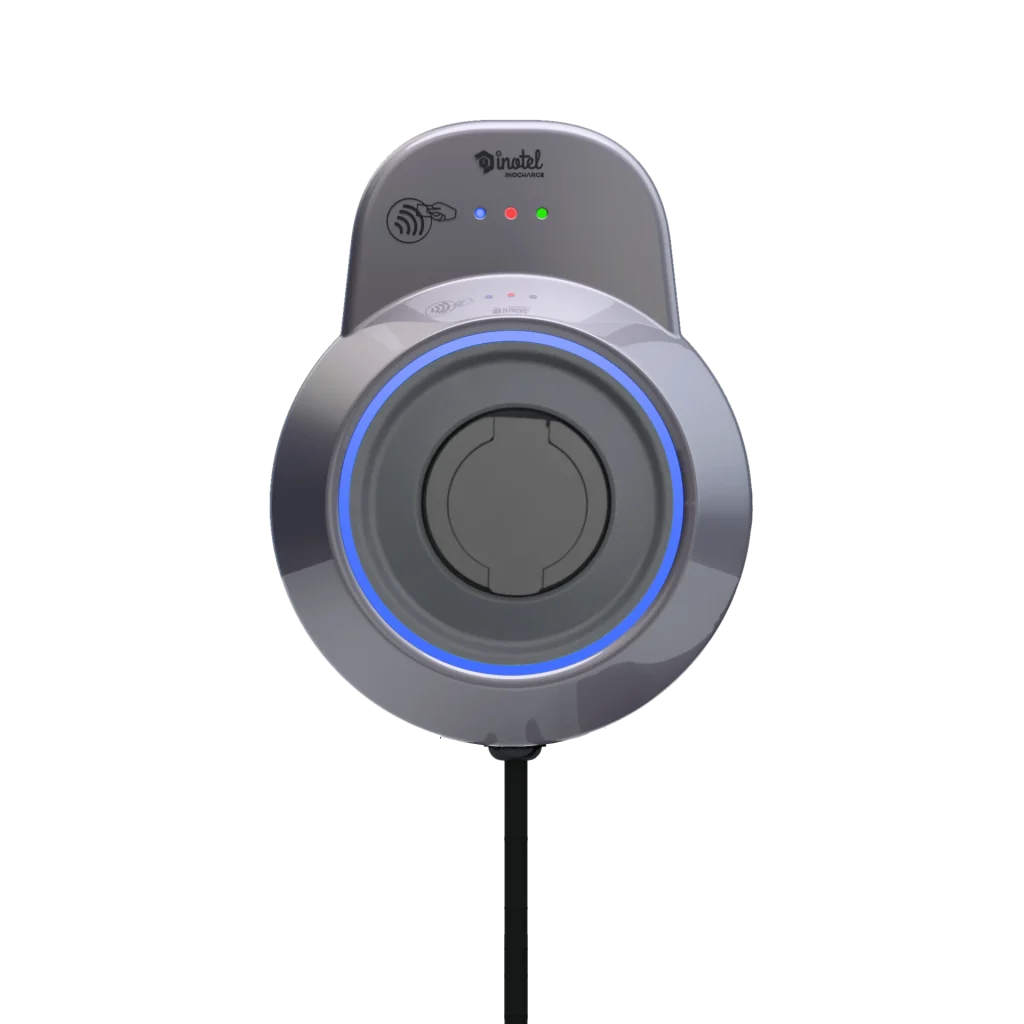
Type 2, Mode 3, Wi-Fi, Ethernet and OCPP describe different parts of a charging system. They answer different questions: what connects to the car, how AC charging is controlled, how the unit joins a network and how it communicates with a management platform. Reading them as separate layers makes a technical specification much easier to use.
Type 2 describes the physical connection
Type 2 is a connector family used for AC vehicle charging. A tethered charger can provide a Type 2 vehicle plug on its attached cable. A socketed unit needs a separate suitable cable between its outlet and the car. Check the vehicle inlet as well as the equipment connection.
Matching shapes are only the beginning. Cable current and phase ratings, the car’s onboard charger and the installation also determine what the system can deliver. Type 2 on a label is not a promise of a particular charging speed, and it does not make any unverified adaptor suitable.
Mode 3 describes the charging arrangement
Mode 3, within the scope of IEC 61851-1, refers to controlled AC charging through dedicated equipment. The number does not mean 3 kW, three-phase supply or a third speed setting. A specification can describe both Mode 3 charging and a three-phase supply, but those entries describe different things.
During AC charging, the vehicle’s onboard charger converts the incoming AC for the battery. A wallbox therefore cannot raise the vehicle’s own AC conversion limit. Mode 3 should not be read as a claim that the unit is a DC rapid charger. The IEC publication page provides the standard’s scope; referring to that scope is different from claiming independent certification for a product.
Wi-Fi and Ethernet connect the wallbox to a network
Wi-Fi uses a wireless local network. Ethernet uses a network cable, commonly with an RJ45 connection. That Ethernet cable is not the cable carrying charging energy to the vehicle. Keeping those two cable routes distinct is useful when discussing installation.
Check coverage where the wallbox will actually sit, not just where the home router is located. If Ethernet is planned, discuss a suitable cable route with the installation team. Joining a local network does not by itself establish internet access, a cloud account or permission to control the unit remotely.
Ask which app functions require an internet service and what the product instructions say about loss of connectivity. Do not assume offline behaviour from the presence of Wi-Fi alone. Network settings and account access are practical operating requirements, separate from the available electrical power.
OCPP connects charging equipment with management software
The Open Charge Alliance describes OCPP as an open protocol between charging stations and charging management systems. In practical terms, Wi-Fi or Ethernet supplies a network route; OCPP provides a way for suitably configured equipment and management software to exchange charging information.
OCPP is not a plug shape, an electricity tariff or an internet subscription. Support for it does not automatically prove that every platform, optional function or software version is compatible. OCPP 1.6J identifies the JSON messaging version; the “J” does not describe a higher charging power. Enabled functions and platform settings still need checking. An OCPP support statement also differs from an independent OCPP certification claim.
Follow one session from connection to management
First, a suitable cable connects the Type 2 equipment and vehicle. The dedicated AC equipment and car control the charging session within the Mode 3 arrangement. The wallbox can join a network through Wi-Fi or Ethernet. Where a compatible management service has been configured, OCPP can be used for communication with that service.
RFID sits alongside these functions: it can identify an authorised user. It is neither the vehicle connector nor the network transport. Thinking through a session in this order helps you ask whether a feature solves your actual requirement rather than simply counting acronyms.
Reading an INOCHARGE specification
The current cabled and socketed INOCHARGE records list Type 2, Mode 3, Wi-Fi, Ethernet, OCPP 1.6J, mobile app features and RFID. OCPP 1.6J support should be discussed with the chosen platform; it is not presented here as an unverified certification or a guarantee of every integration. Electrical installation requires qualified assessment, while network and service configuration should follow the applicable product and platform instructions.
Apply these terms to your own project with the home installation planning guide and the vehicle AC compatibility checks.
Source links and technical information last checked: 17 November 2026.